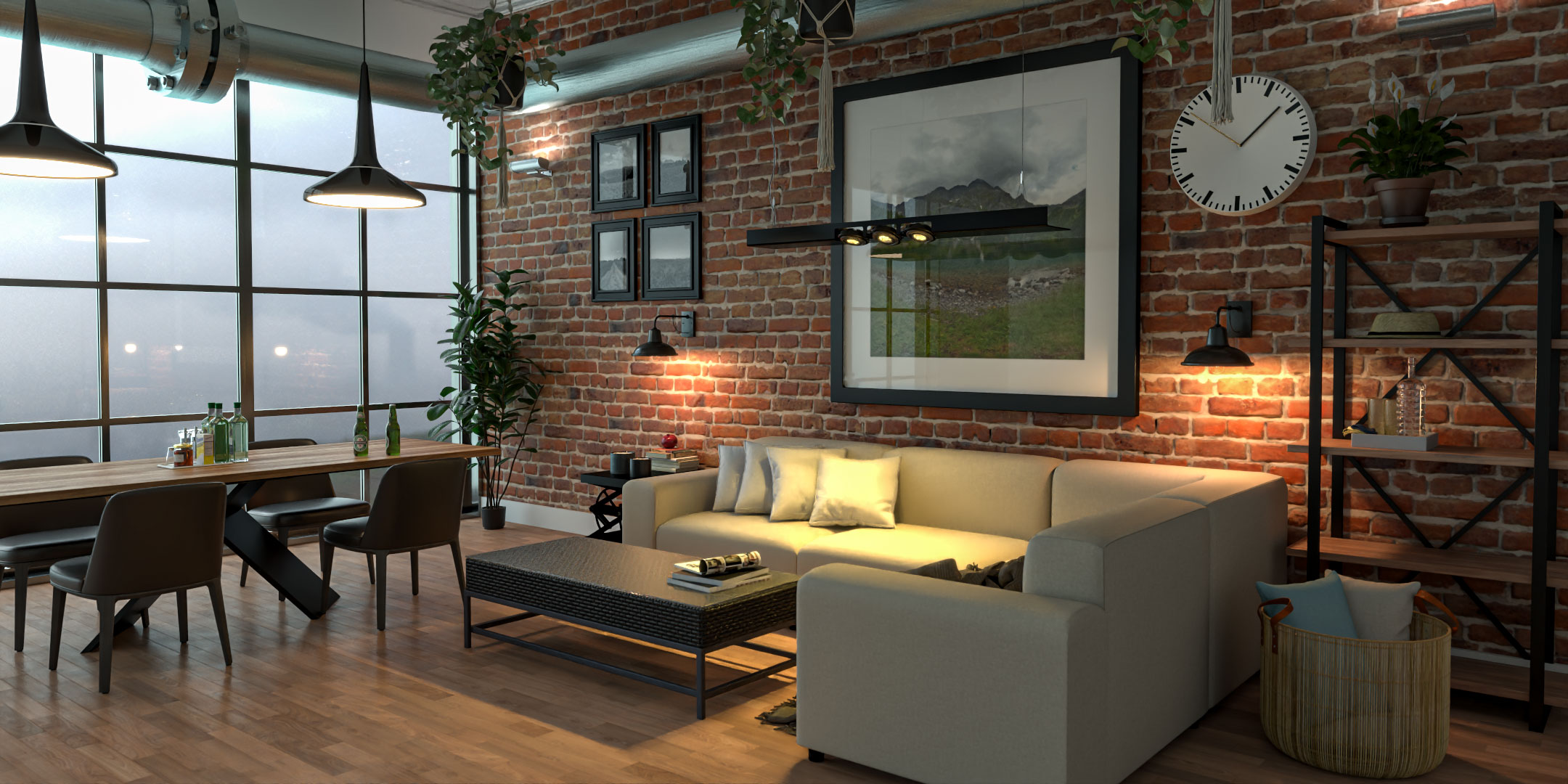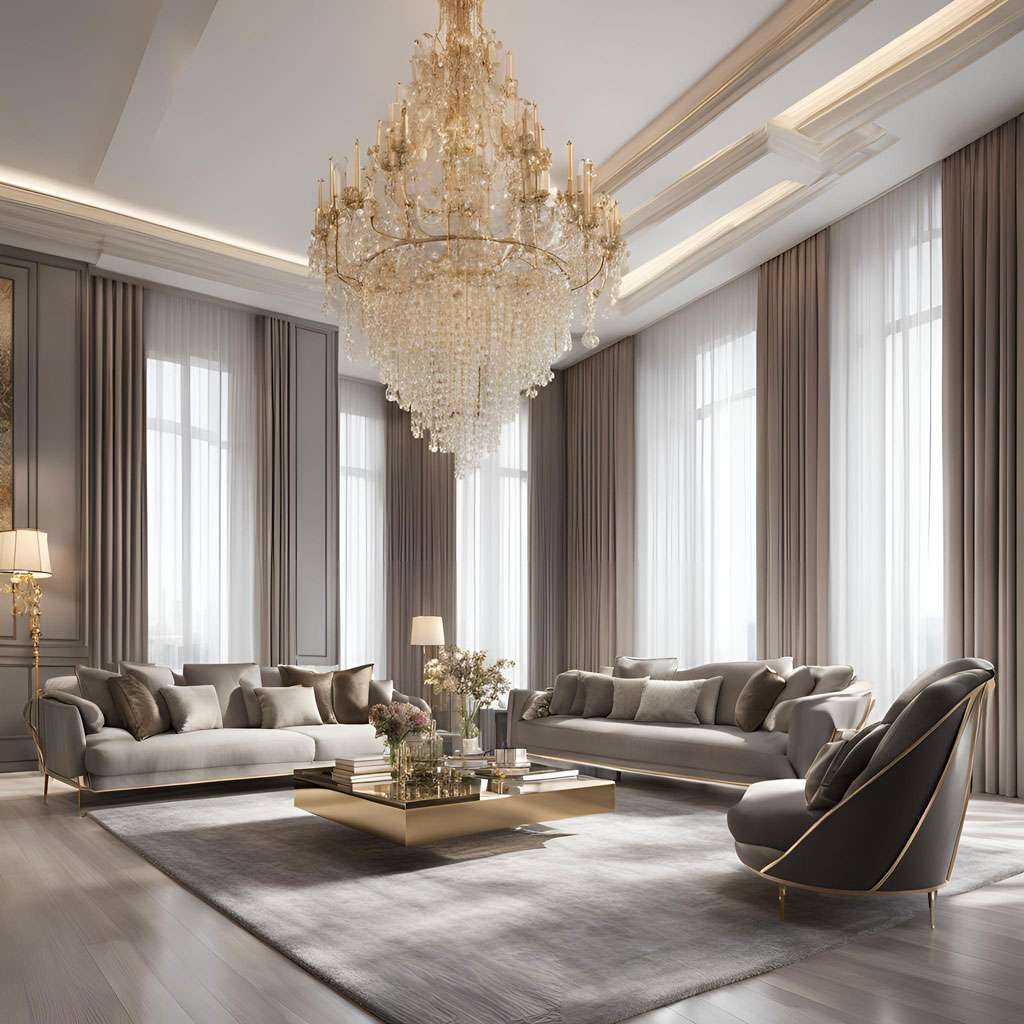
3D rendering is the intricate process of generating a two-dimensional image from a three-dimensional model through the use of computer software. This technique is fundamental in various fields, including architecture, CGI (computer-generated imagery) for films, video games, virtual reality (VR), and design visualisations. At Luxe3D.co.uk, we utilize advanced 3D rendering techniques to create high-quality, realistic visuals that meet our clients’ needs. Here’s a detailed breakdown of how 3D rendering works:
3D Rendering Process Explained Step by Step
3D rendering is the process of transforming a digital 3D model into a realistic image, animation, or interactive visual experience. It combines modelling, materials, lighting, camera setup, rendering calculations, and post-production techniques to create visuals that accurately represent a design before it exists in the real world.
The process is used across architectural visualisation, product design, CGI, gaming, film production, and virtual reality.
1. Creating the 3D Model
Every render begins with a 3D model.
A 3D model is a digital representation of an object, building, product, interior space, or environment. It acts as the foundation for everything that follows during the rendering process.
During the modelling stage, designers define:
Dimensions and proportions
Structural geometry
Surface details
Spatial relationships
Design accuracy
Models can range from simple objects containing only a few elements to highly detailed architectural developments consisting of millions of polygons.
Common modelling software includes:
Blender
Autodesk 3ds Max
SketchUp
Cinema 4D
Rhino
The accuracy of the final render depends heavily on the quality of the original model.
2. Applying Materials and Textures
Once the model is complete, materials and textures are added to simulate real-world surfaces.
Textures
Textures provide visual detail such as:
Wood grain
Stone patterns
Fabric fibres
Concrete surfaces
Metal imperfections
Without textures, objects appear flat and unrealistic.
Materials
Materials control how a surface reacts to light.
Typical material properties include:
Reflection
Glossiness
Transparency
Refraction
Roughness
For example, polished marble reflects light differently from brushed concrete, while glass behaves differently from painted metal.
Combining high-quality textures with realistic materials is one of the most important steps in achieving photorealistic rendering results.
3. Lighting the Scene
Lighting determines how realistic a render feels.
Even a perfectly modelled scene can appear artificial if the lighting is poor.
Modern rendering software simulates the behaviour of real-world light using physically accurate calculations.
Common light types include:
Sun and sky systems
Point lights
Spotlights
Area lights
HDRI environment lighting
Proper lighting affects:
Shadows
Reflections
Contrast
Atmosphere
Depth perception
Architectural visualisation often requires multiple lighting tests to ensure interiors and exteriors appear natural under different conditions.
4. Camera Placement and Composition
A virtual camera is positioned inside the 3D scene to determine what the viewer sees.
Camera placement is similar to photography and has a major influence on the final presentation.
Important camera settings include:
Position
Viewing angle
Focal length
Field of view
Depth of field
For example:
Wide-angle cameras are commonly used for interiors.
Medium focal lengths are often used for exterior architectural renders.
Close-up views are popular in product rendering.
Professional composition techniques help guide the viewer's attention and improve visual impact.
5. The Rendering Stage
The rendering stage is where the computer calculates the final image.
The rendering engine processes:
Geometry
Materials
Textures
Lighting
Camera information
It then calculates how light interacts with every surface within the scene.
Ray Tracing
Ray tracing follows the path of light rays as they bounce around the environment.
This produces highly realistic:
Reflections
Refractions
Global illumination
Soft shadows
Ray tracing is widely used in architectural visualisation and high-end CGI.
Rasterisation
Rasterisation focuses on speed rather than maximum realism.
It is commonly used in:
Video games
Interactive applications
Real-time visualisation software
Modern technologies increasingly combine rasterisation with real-time ray tracing to achieve both speed and visual quality.
6. Render Passes
Professional renders are often split into multiple render passes.
Examples include:
Diffuse pass
Reflection pass
Shadow pass
Ambient occlusion pass
Lighting pass
Separating these elements gives artists greater control during post-production and allows changes to be made without re-rendering the entire scene.
7. Post-Processing and Image Enhancement
After rendering is complete, the image usually undergoes post-production.
This stage improves presentation quality and corrects minor imperfections.
Typical adjustments include:
Colour correction
Exposure balancing
Contrast adjustments
Sharpness enhancement
White balance correction
Additional effects may include:
Depth of field
Lens effects
Atmospheric haze
Motion blur
Image compositing
Post-production helps achieve the polished appearance often seen in professional architectural and commercial CGI.
Where 3D Rendering Is Used
Architectural Visualisation
Architects and developers use 3D rendering to present buildings, interiors, and developments before construction begins.
Product Rendering
Manufacturers and retailers use CGI renders to showcase products before production or photography.
Film and Television
3D rendering creates visual effects, digital environments, and animated content used in modern productions.
Gaming
Game developers use rendering technologies to create interactive worlds and characters.
Virtual Reality
VR experiences rely heavily on rendering systems to generate immersive and realistic environments.
How We Use 3D Rendering at Luxe3D
At Luxe3D, every project follows a structured workflow that combines modelling, material creation, lighting, rendering, and post-production.
Our goal is to create visuals that accurately represent the final design while maintaining realism, consistency, and presentation quality.
Whether producing architectural renders, product visualisations, CGI marketing images, virtual reality content, or animated walkthroughs, each stage of the rendering process is carefully controlled to achieve the best possible result.
Summary
3D rendering converts digital 3D models into realistic images or animations.
The process involves:
3D modelling
Material and texture creation
Lighting setup
Camera composition
Rendering calculations
Post-production enhancement
When each stage is handled correctly, the result is a realistic visual representation that helps communicate ideas, market products, secure approvals, and showcase designs long before they are built.